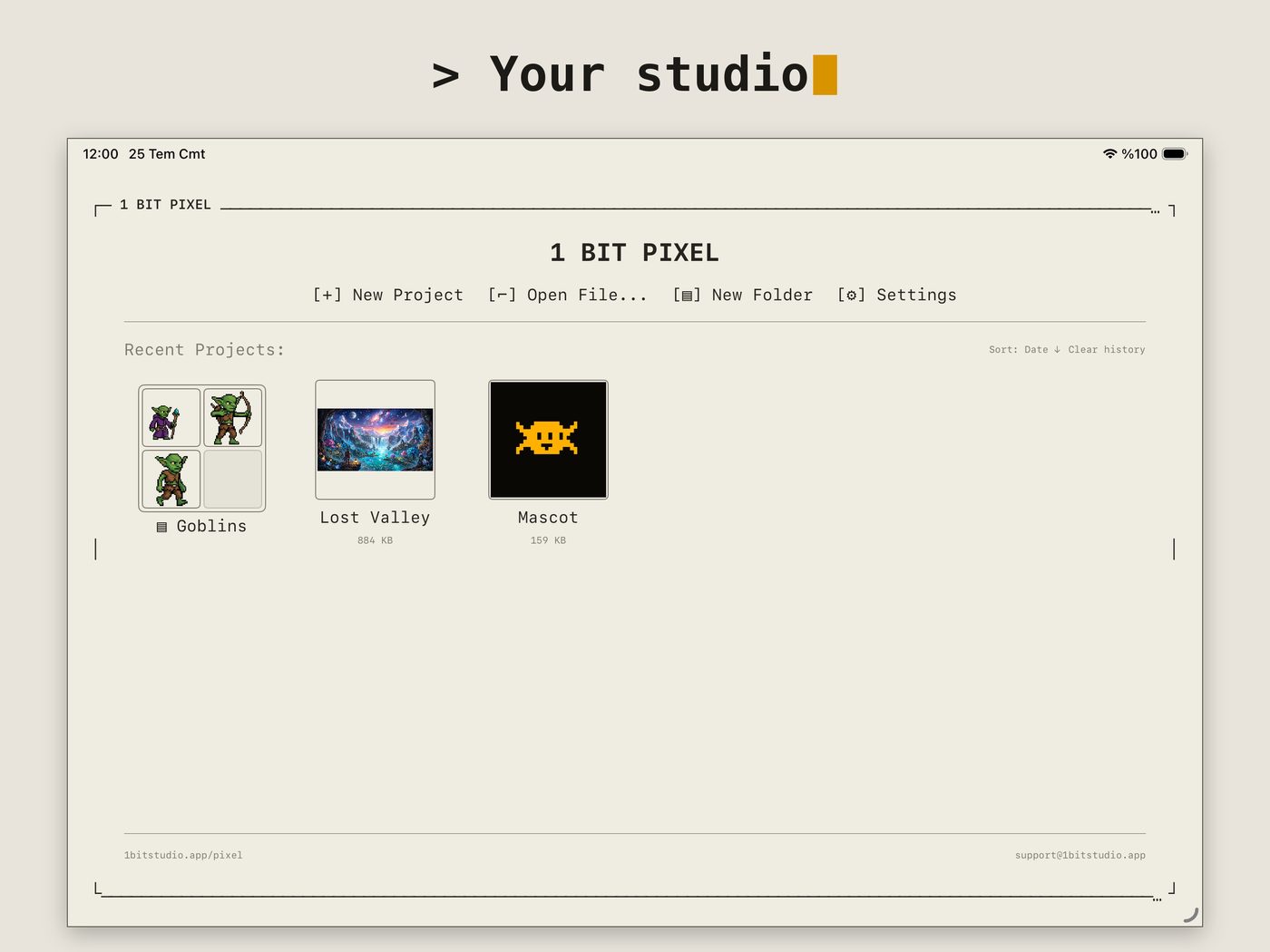
[← 1bitstudio.app]

> 1 BIT PIXEL

1 Bit Pixel mascot — a kawaii three-eyed pixel spider, blinking and hopping

PIXEL-ART & ANIMATION STUDIO

// iPAD · MAC

A focused, fast pixel-art and animation studio. Draw with a full set of tools, animate frame by frame, and export to whatever your pipeline needs — with a clean retro interface and no ads, no accounts, no tracking.

// $9.99 · one purchase, no subscription · one app for iPad & Mac
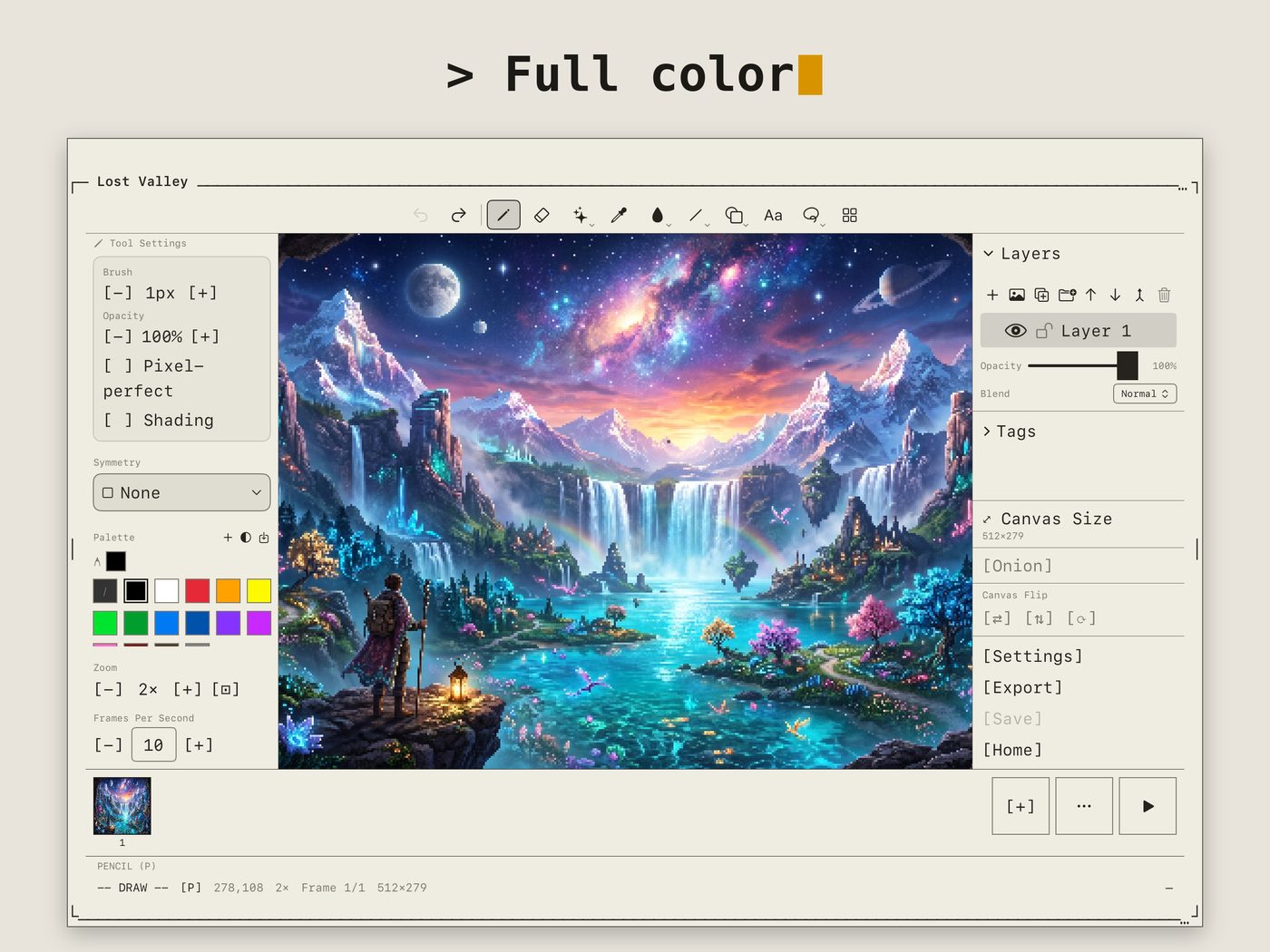
LOST VALLEY — 1 BIT PIXEL
1 Bit Pixel editor on iPad with a full-color pixel-art landscape, layers and palette panels
22DRAWING & SHAPE TOOLS
19BLEND MODES
14EXPORT FORMATS
10LANGUAGES

// 01 DRAW

EVERY TOOL A PIXEL ARTIST REACHES FOR.

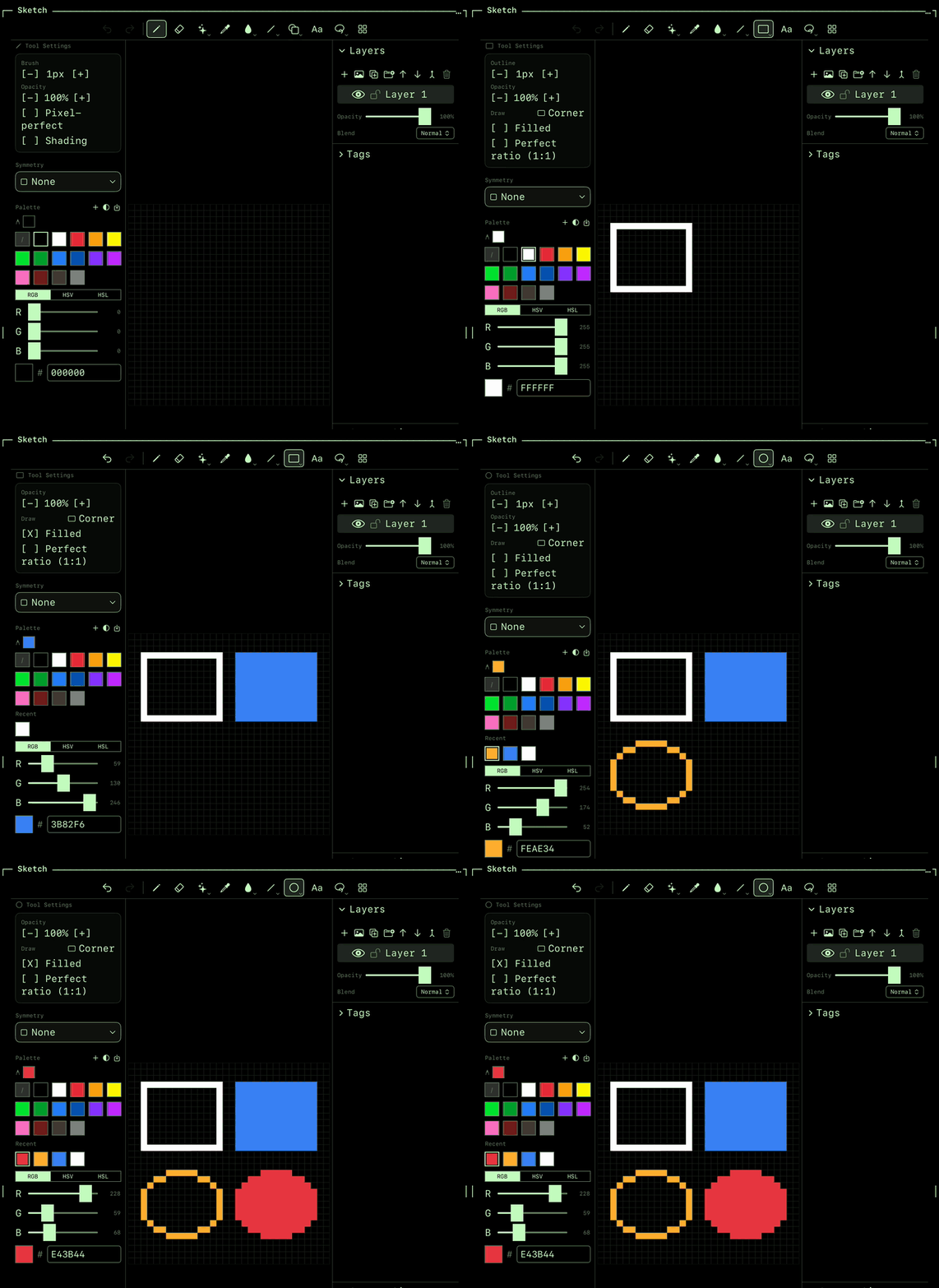
Pencil, eraser, fill, lines, curves, rectangles, ellipses, polygons and stars, plus selection, magic wand, text and stamp.
  • Symmetry drawing
  • Palettes & palette-swap
  • Apple Pencil features
drawing tools →
SHAPES
Drawing rectangles and ellipses, outlined and filled, in 1 Bit Pixel

// 02 ANIMATE

FRAME BY FRAME, WITH THE GHOSTS ON.

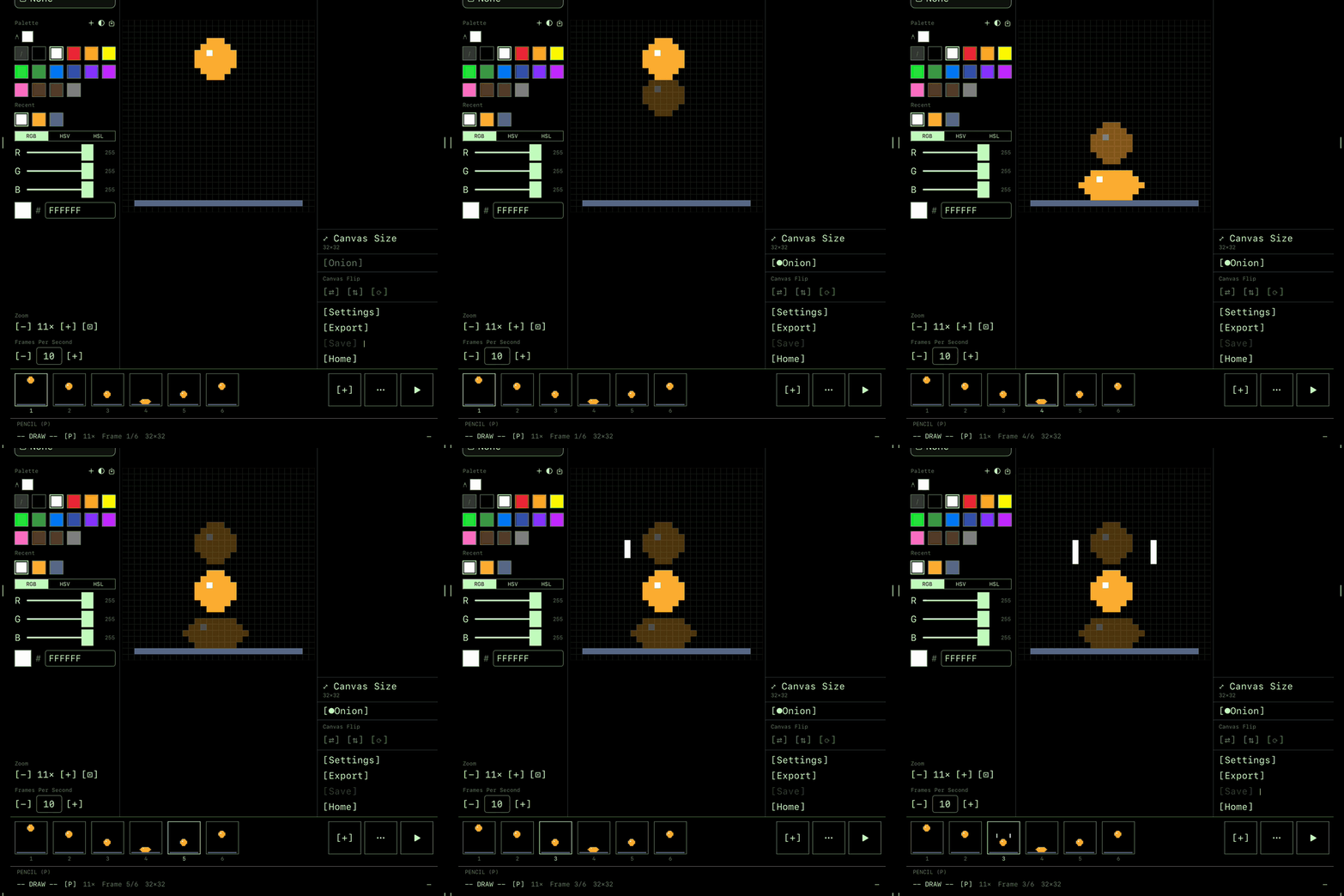
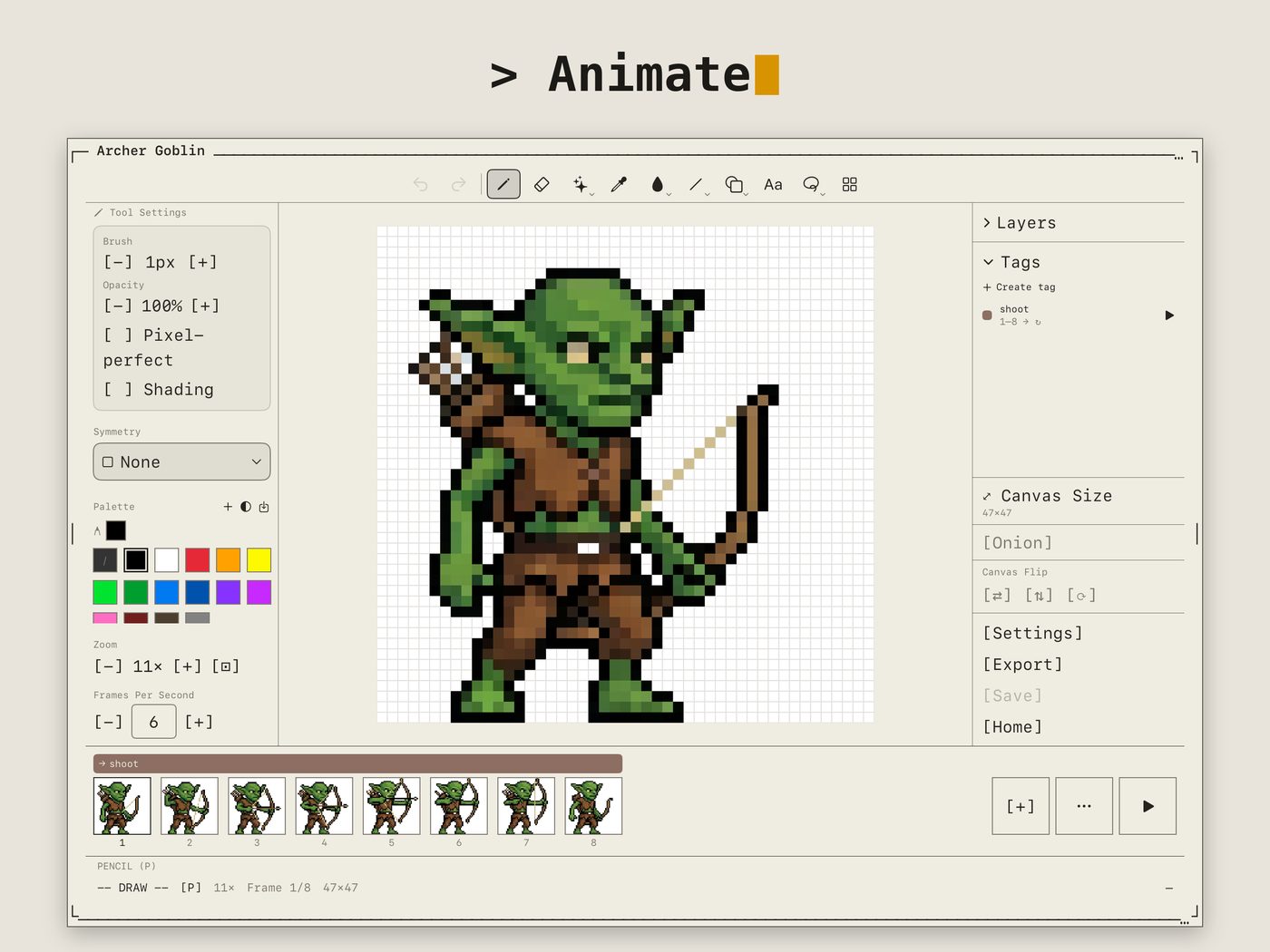
A frame-by-frame timeline with onion skin, so you see the frames before and after while you draw the next one.
  • Frame-by-frame timeline
  • Onion skin & tags
  • Linked cels
frames & animation →
ONION SKIN
Stepping through the frames of a bouncing ball with onion skin on

// 03 LAYERS

STACK IT, BLEND IT, MASK IT.

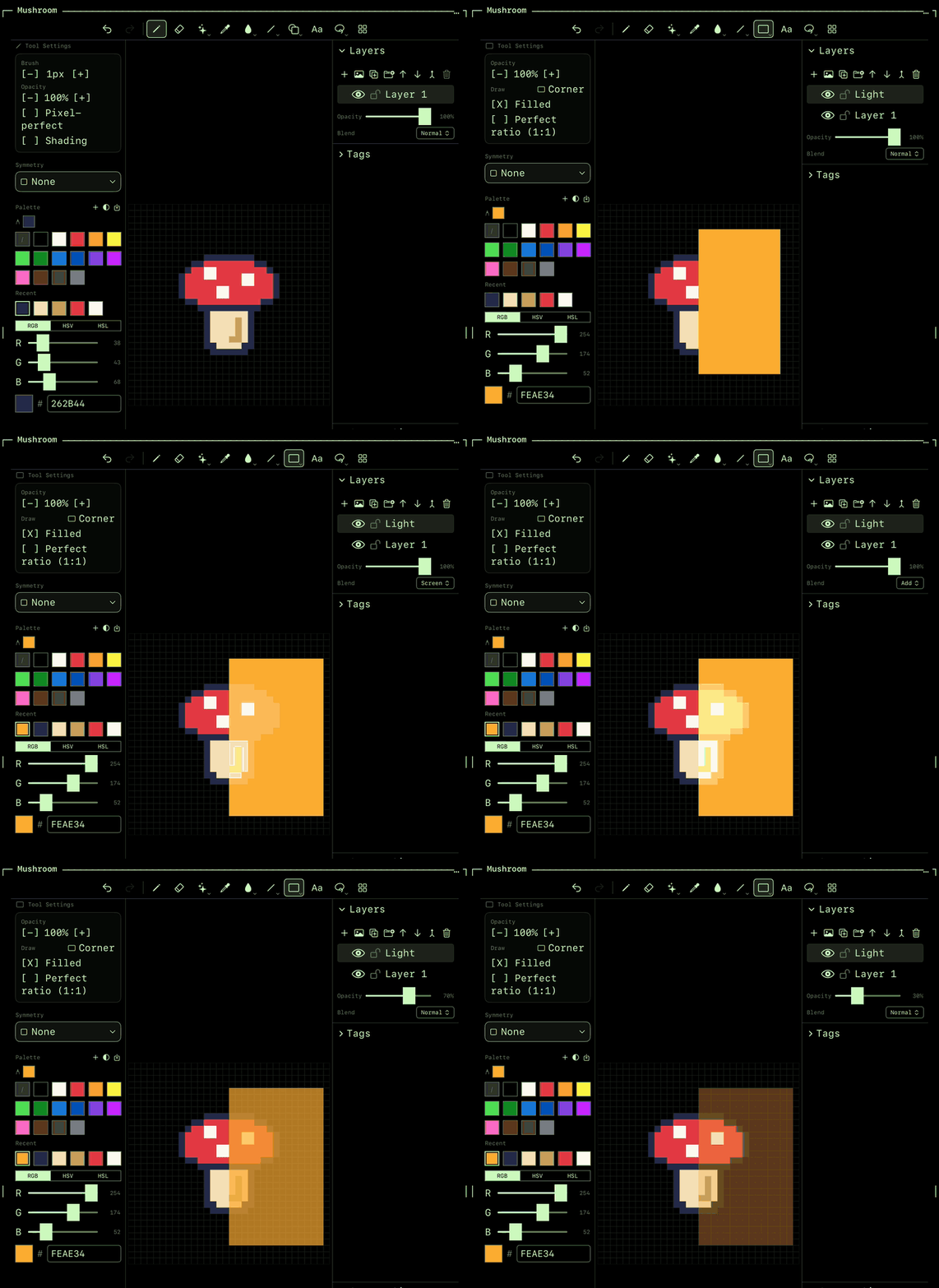
Unlimited layers and groups, each with its own opacity and one of 19 blend modes.
  • Unlimited layers & groups
  • 19 blend modes
  • Alpha-lock & clipping masks
layers & blending →
BLEND MODES
Changing a layer's blend mode and opacity over a mushroom sprite

// 04 EXPORT

OUT TO WHATEVER YOUR PIPELINE NEEDS.

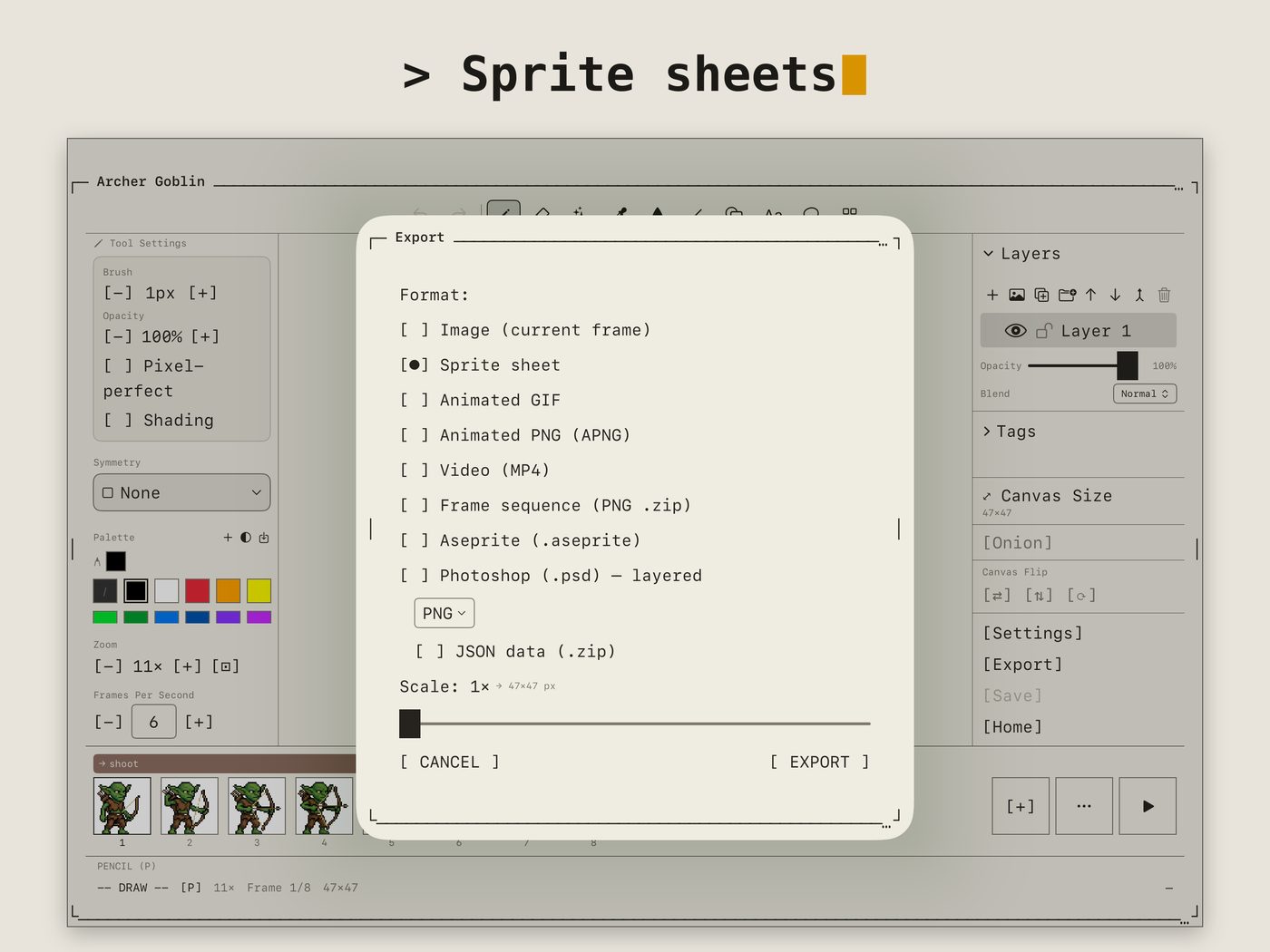
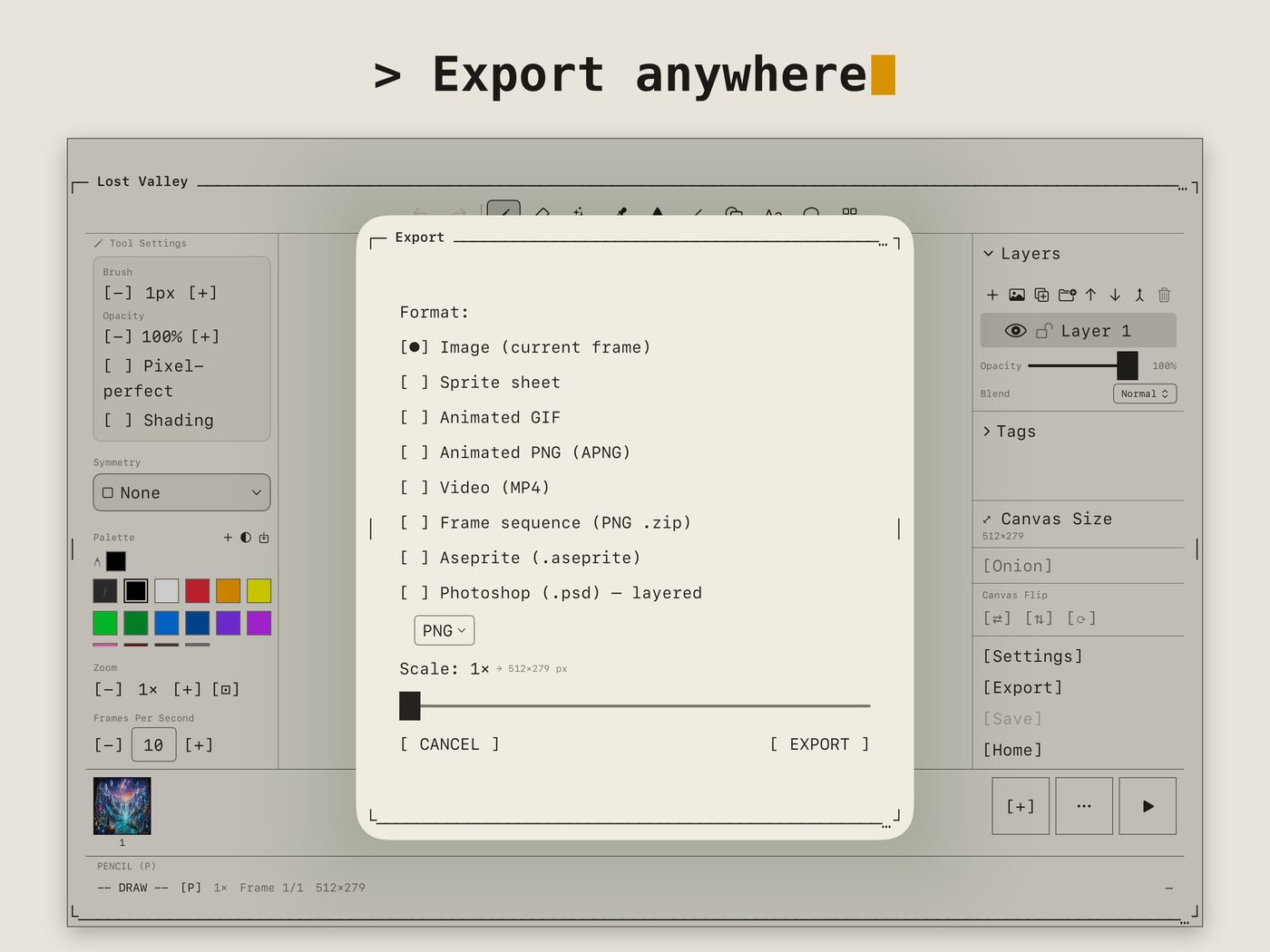
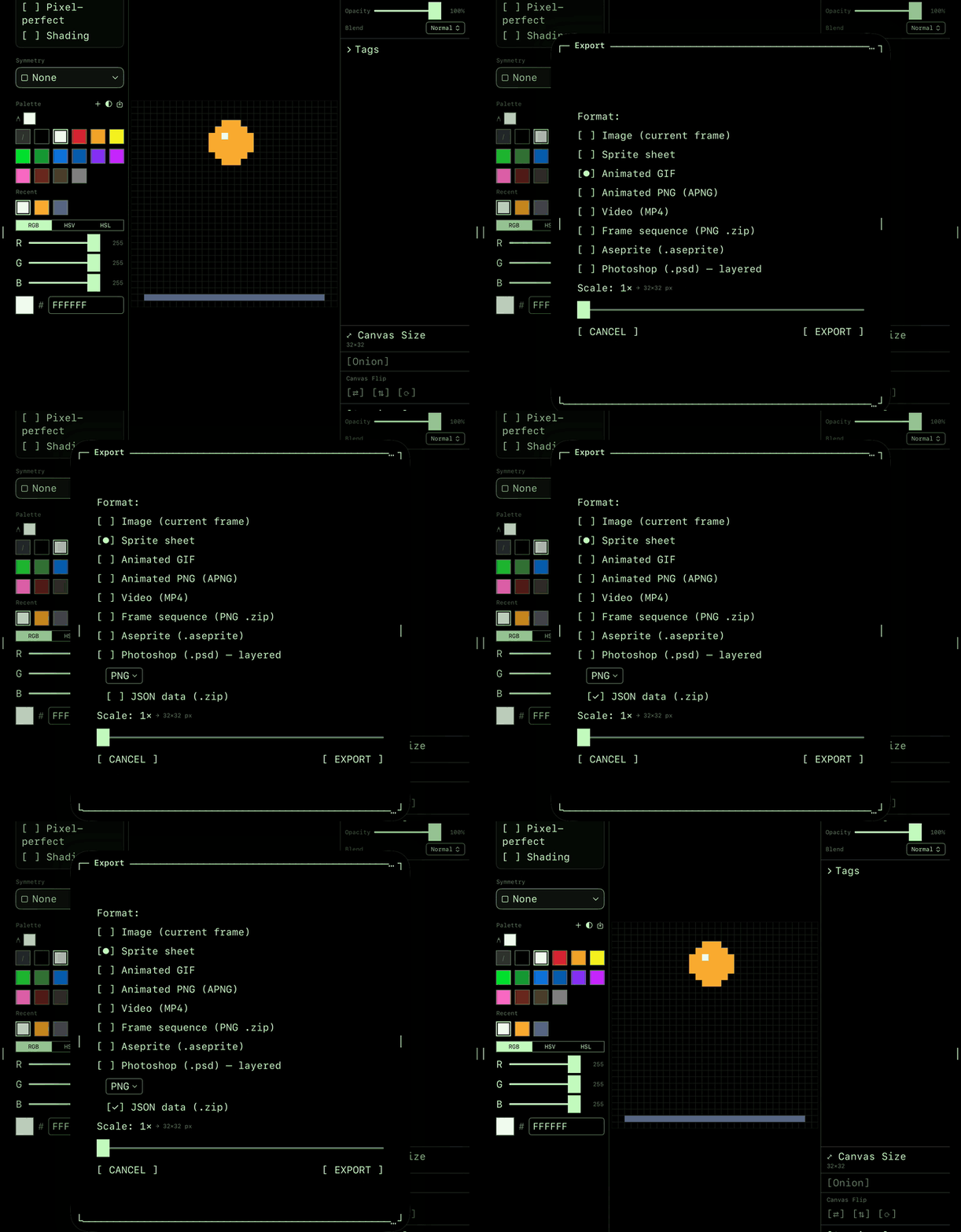
GIF, MP4 and APNG for sharing; sprite sheets with JSON, Aseprite and layered PSD for the rest of your tools.

import & export →
EXPORT
The export sheet with sprite sheet and JSON data selected

// WHAT'S INSIDE

// SCREENSHOTS

Frame-by-frame animation of a goblin sprite with timeline and frame tags Project gallery with folders and animated previews Sprite sheet export options Export formats: PNG, GIF, APNG, MP4, Aseprite, PSD and more

// EXPORT & IMPORT

EXPORT

PNGGIFAPNGMP4Sprite sheet (+JSON)Frame sequenceSVGCSSICOHEICTGAQOIAsepriteLayered PSD

IMPORT

PNGGIFWebPTGAQOIAPNGLayered AsepriteLayered PSD

// LEARN

New to it? The How To guides cover every tool with short, illustrated walkthroughs — in 10 languages.

Drawing toolspencil, eraser, fill, eyedropper Shapes & linescurves, rectangles, stars Select & transformmove, flip, rotate, scale Layers & blendinggroups, alpha-lock, clipping Frames & animationonion skin, tags, linked cels Color & palettespicker, palettes, palette-swap Import & exportGIF, sprite sheets, PSD Apple Pencilgestures, squeeze menu

START WITH ONE PIXEL.

// $9.99 · one purchase, no subscription · no ads, no accounts, no tracking